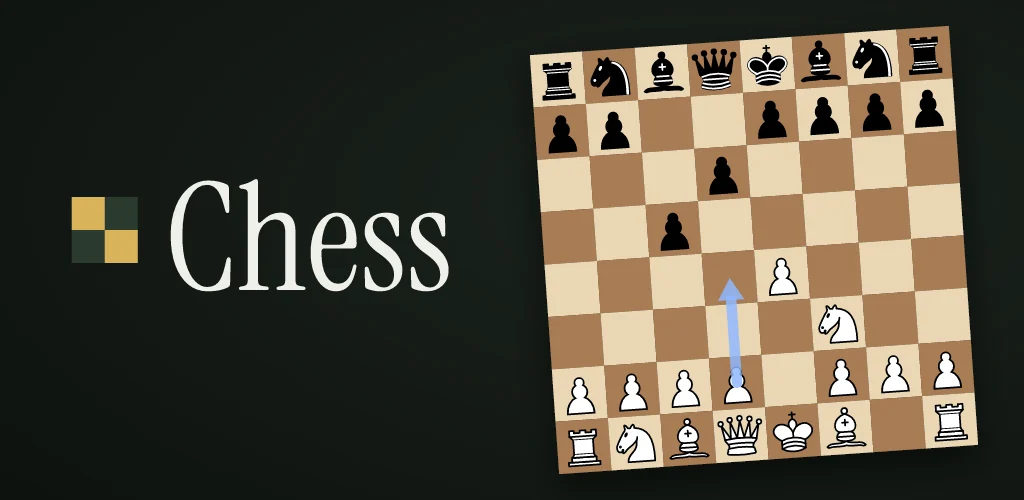
Chess

Learn chess at your level: openings, middlegame and endgame.
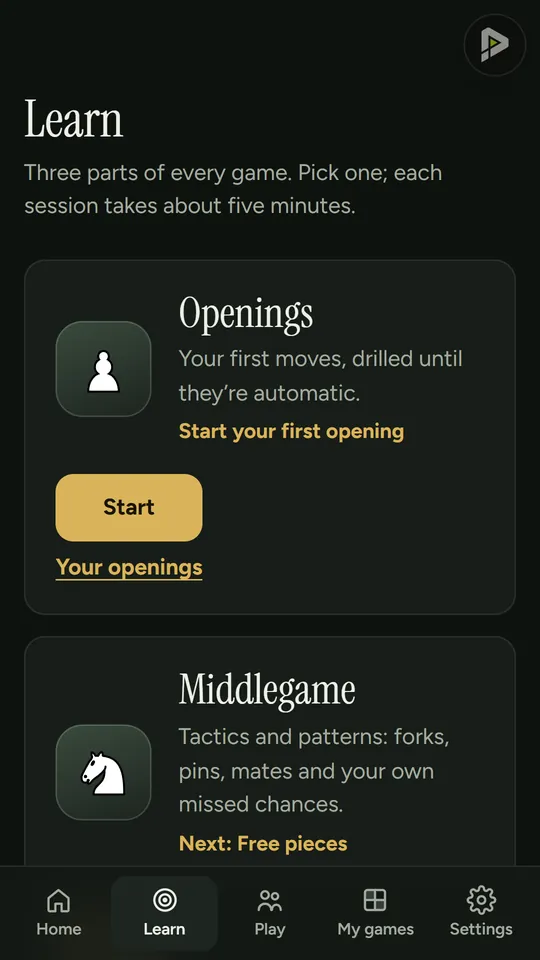
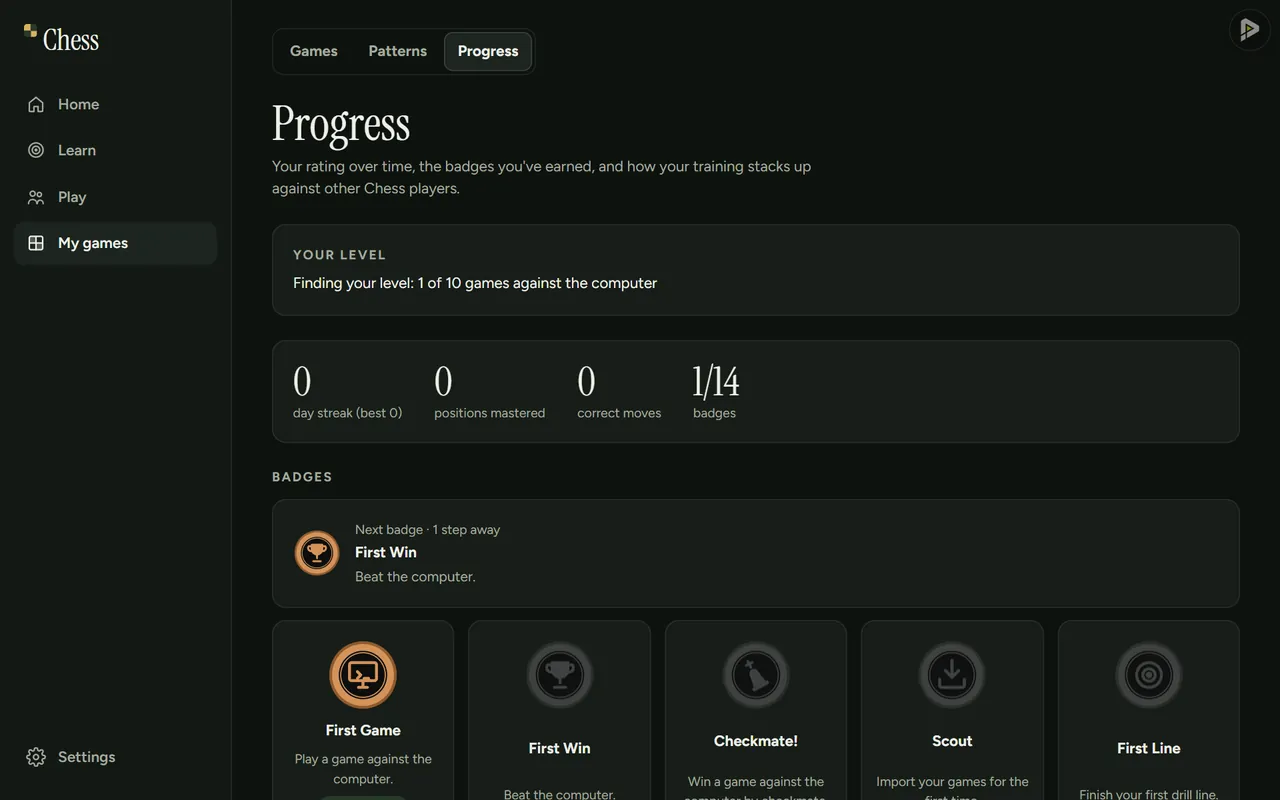
Five-minute lessons that adapt to you: tactics and endgames for beginners, your own opening repertoire and the mistakes from your Chess.com or Lichess games for everyone else. Then play the computer at your level, or a friend with one scan.
// Overview
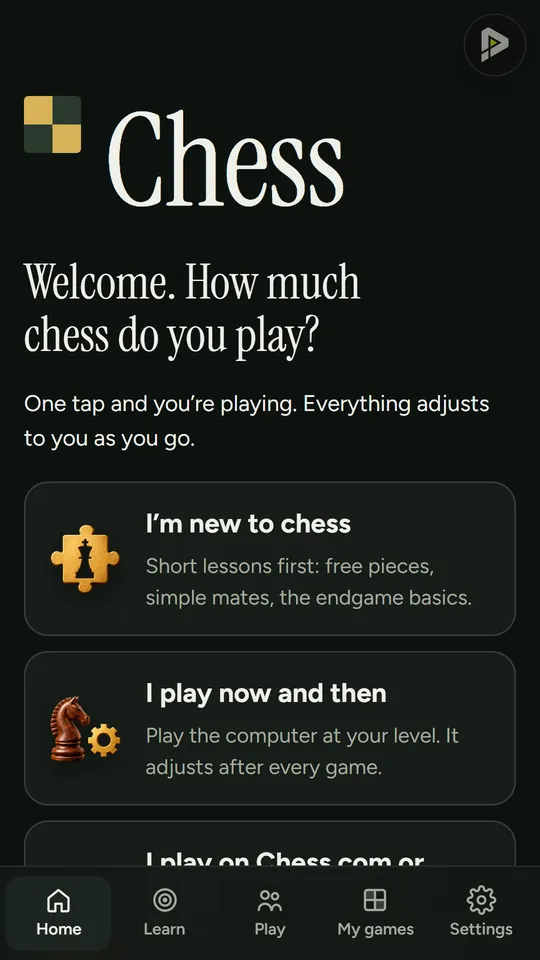
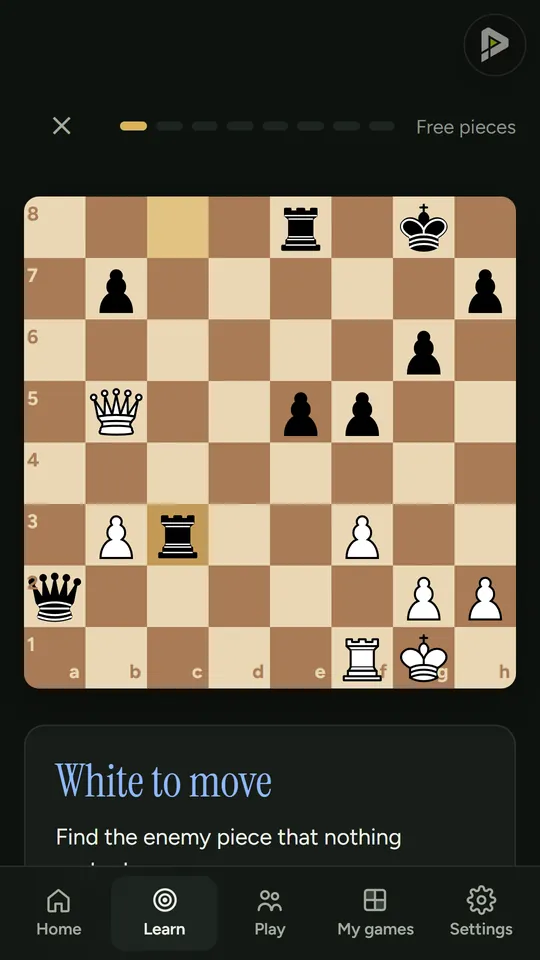
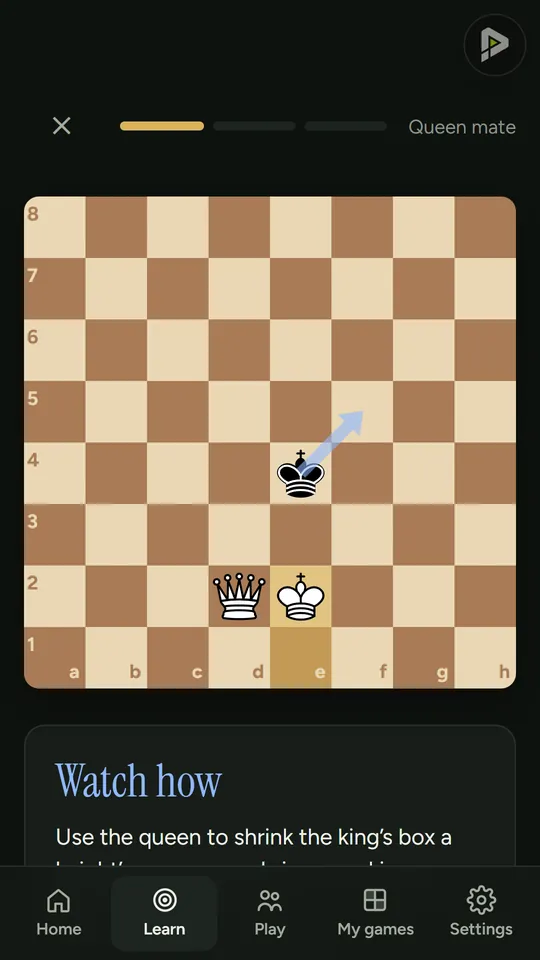
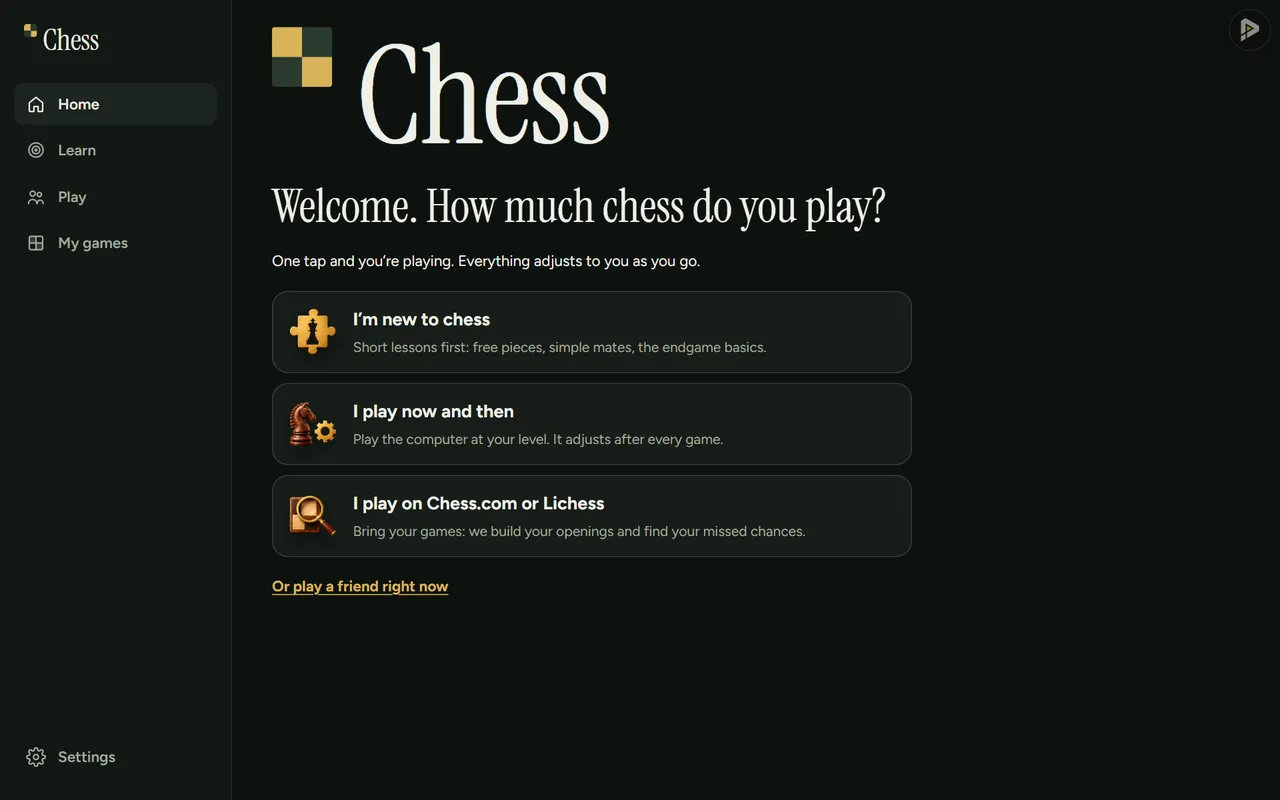
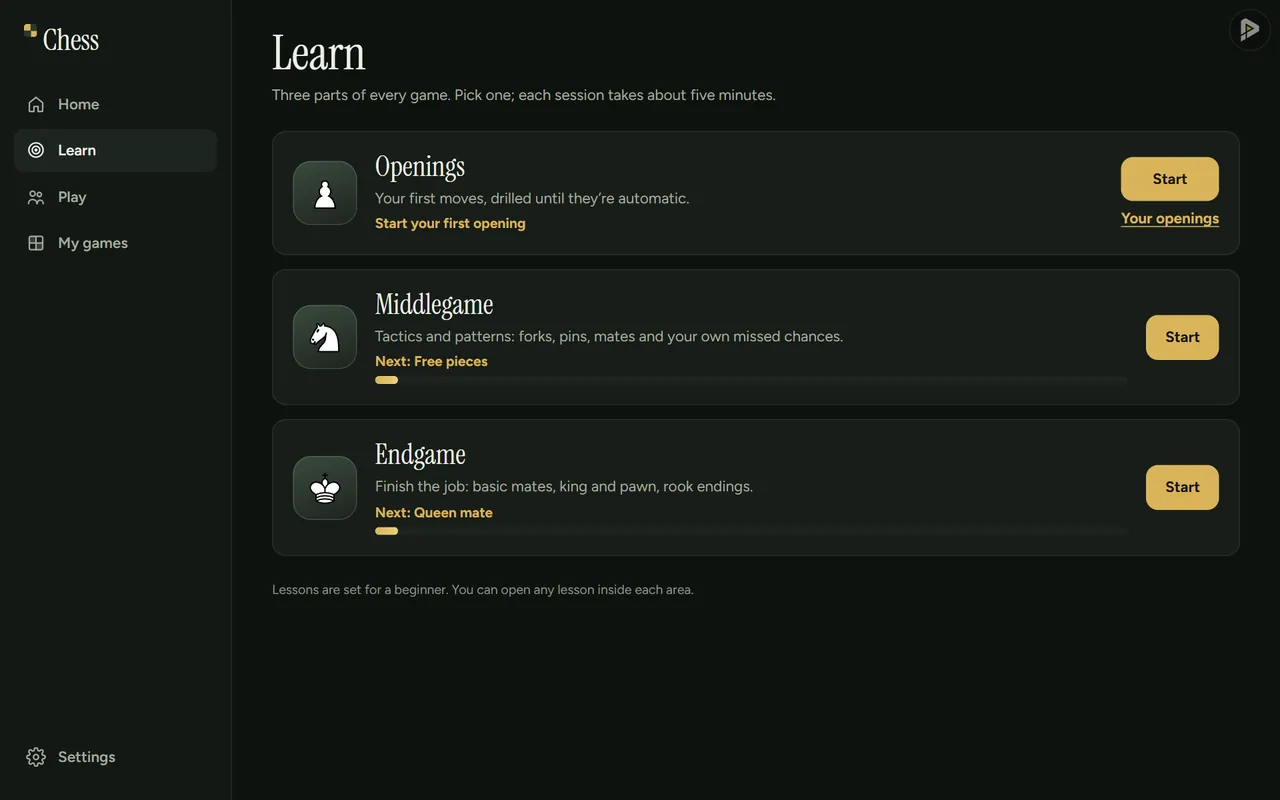
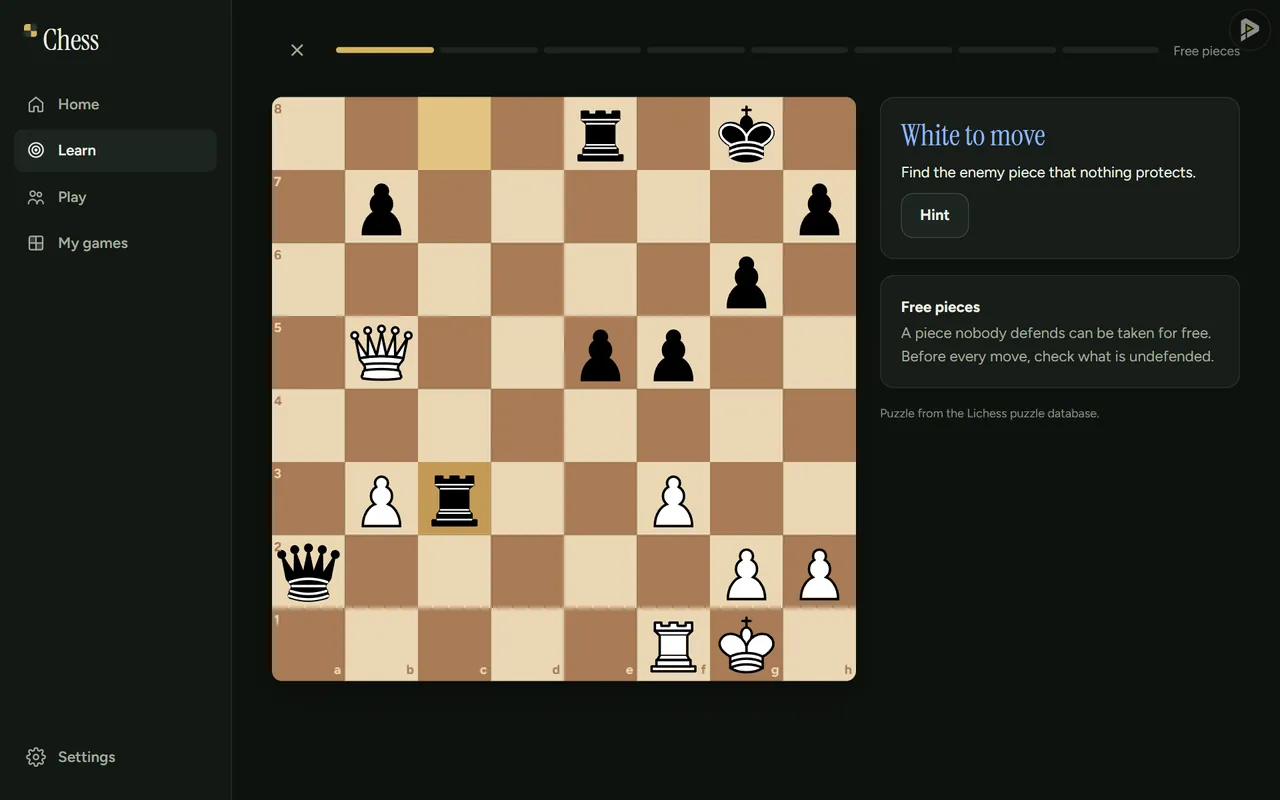
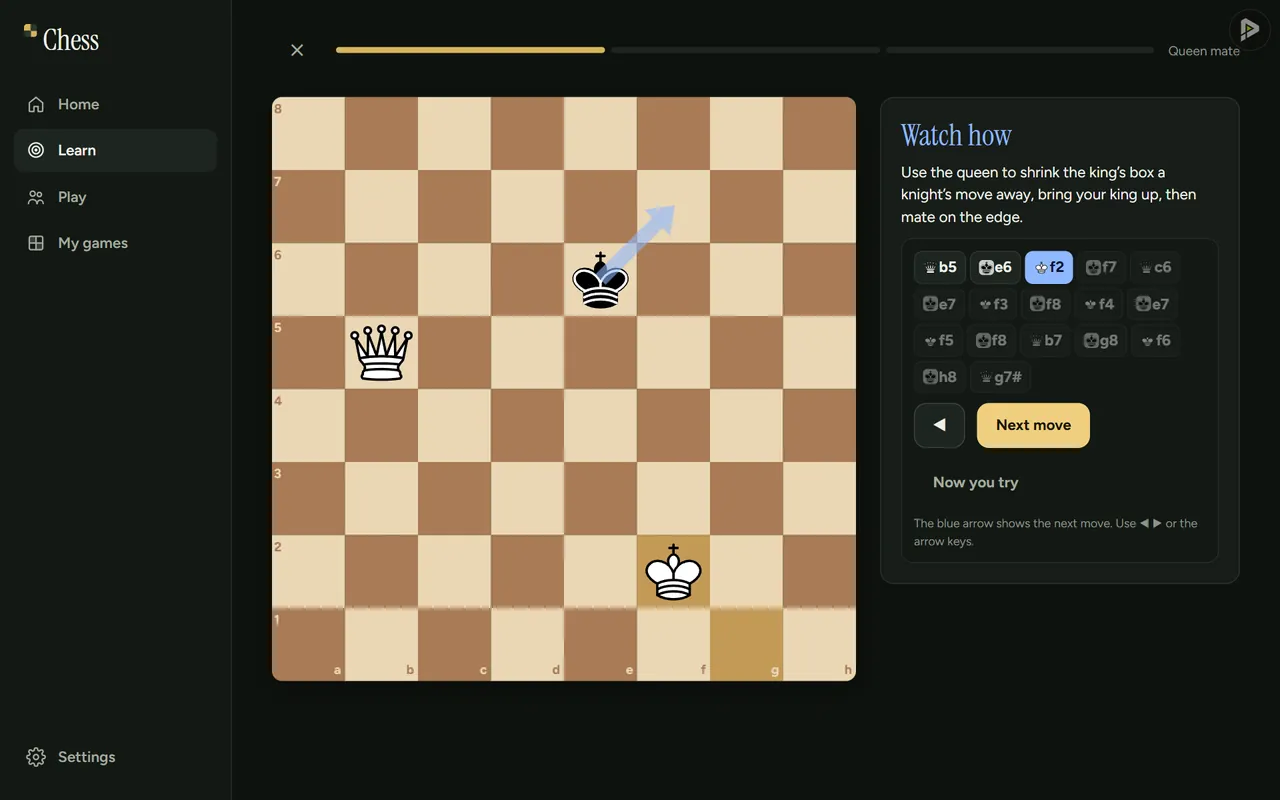
New to chess? Answer one question and you’re playing. Short lessons teach one idea at a time: free pieces, forks, pins, back-rank mates, then the endgame basics like the queen and rook mates, king and pawn, and the two rook endings every player needs. Each session takes about five minutes, and a hint is there when you’re stuck.
Already playing online? Type your Chess.com or Lichess username. Chess builds your opening repertoire from your own games and drills it against the replies real players at your rating choose. It also finds the moments in your games where you missed something, and turns them into practice.
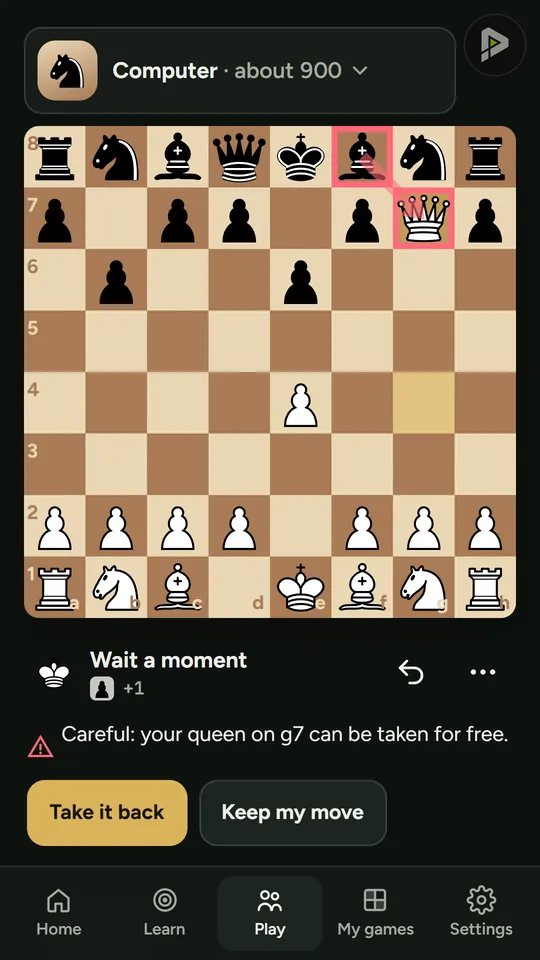
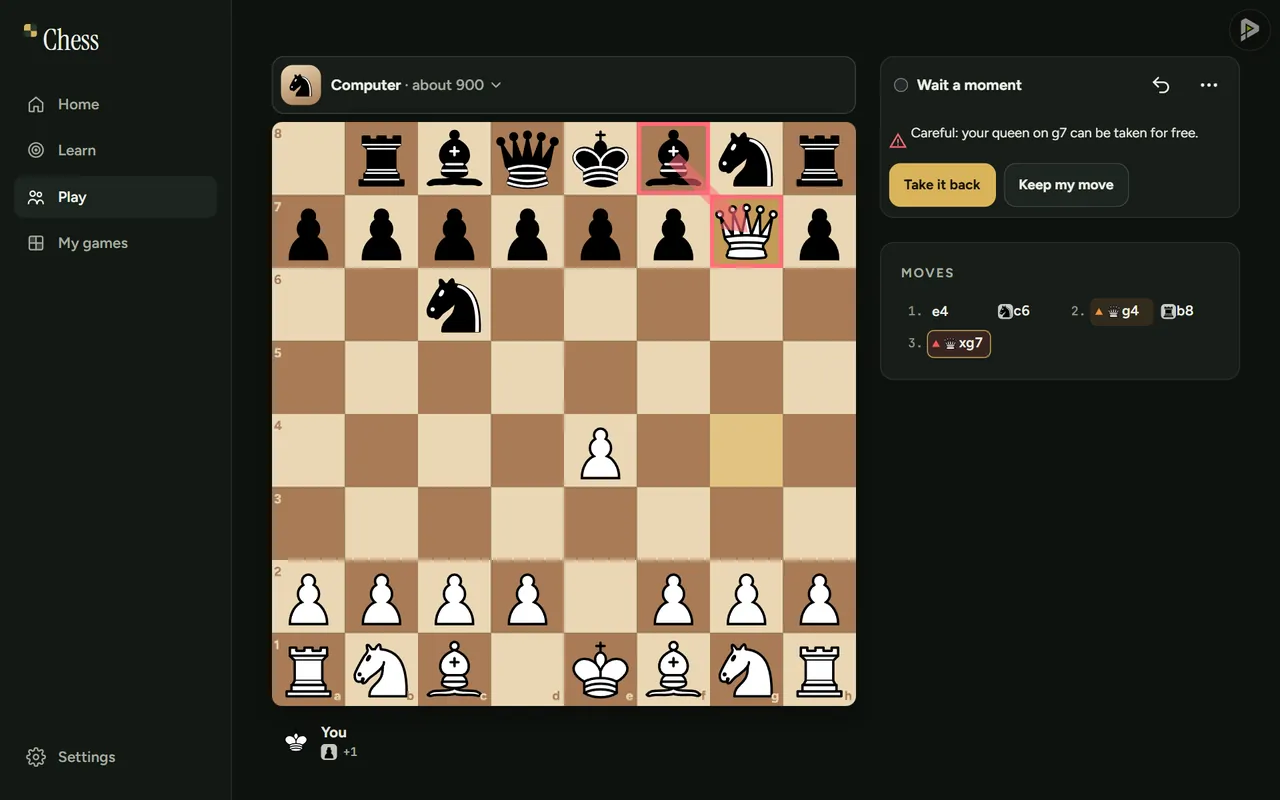
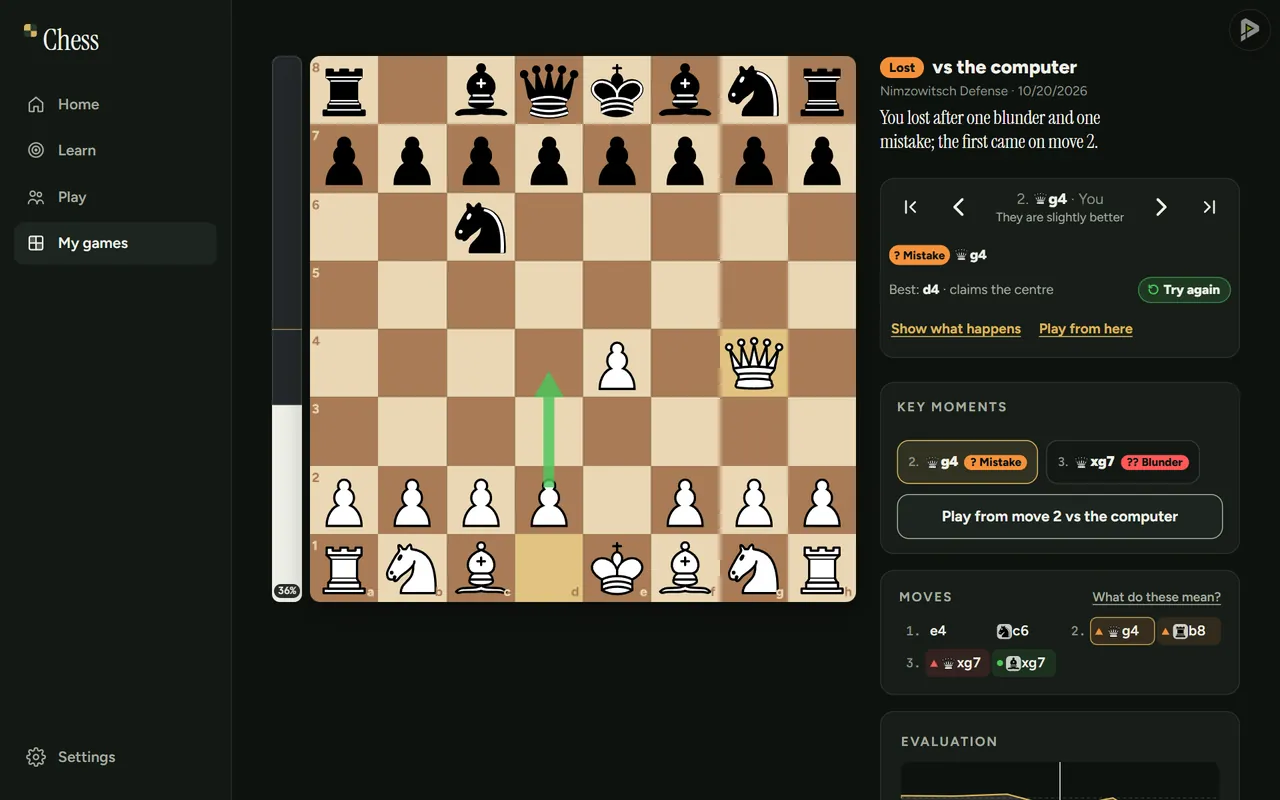
After every game you get a short report: one line on how it went, the three moments that mattered, and a chance to try them again. The computer plays at your level and adjusts after every game, and a beginner coach warns you before you leave a piece hanging. Play a friend by showing a QR code: no account, no app.
Trailer
Trailer coming soon
The Chess trailer is in the works.
Why you'll play it
01
Openings, middlegame and endgame
Three short paths, one idea per lesson, about five minutes a session. Lessons start at your level and move with you.
02
Your games are the curriculum
Import your public Chess.com or Lichess games by username. Your openings become a repertoire, and the moments you missed become puzzles.
03
Over 1,000 hand-picked puzzles
Forks, pins, mates and endgames from the Lichess puzzle database, chosen near your strength, with a hint after a miss and a plain-words reason.
04
A report you can act on
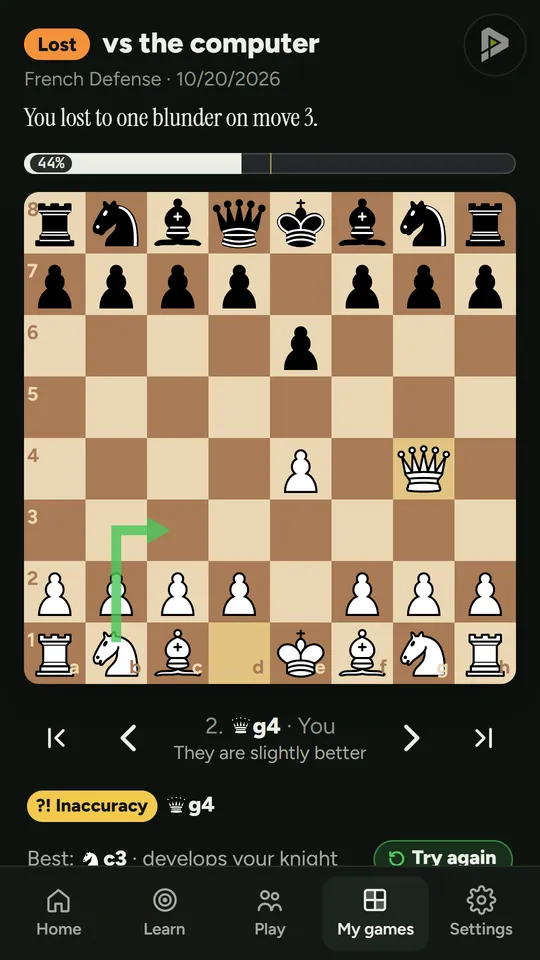
After each game: one line on how it went, the three key moments, and Try again on each. Every move and the full analysis are one tap away.
05
A computer at your level
No level to pick. It starts where you are, adjusts after every game, and a beginner coach warns before you leave a piece hanging.
06
Play a friend in one scan
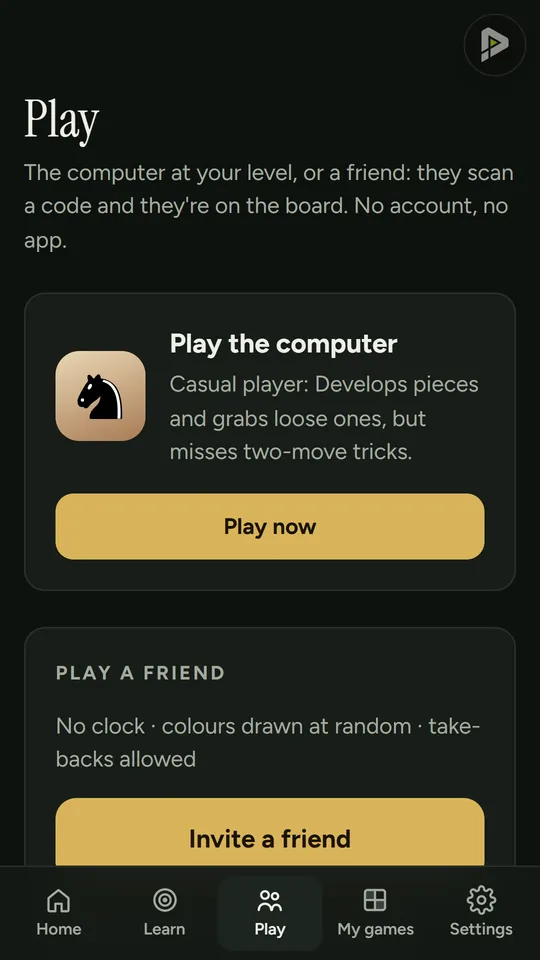
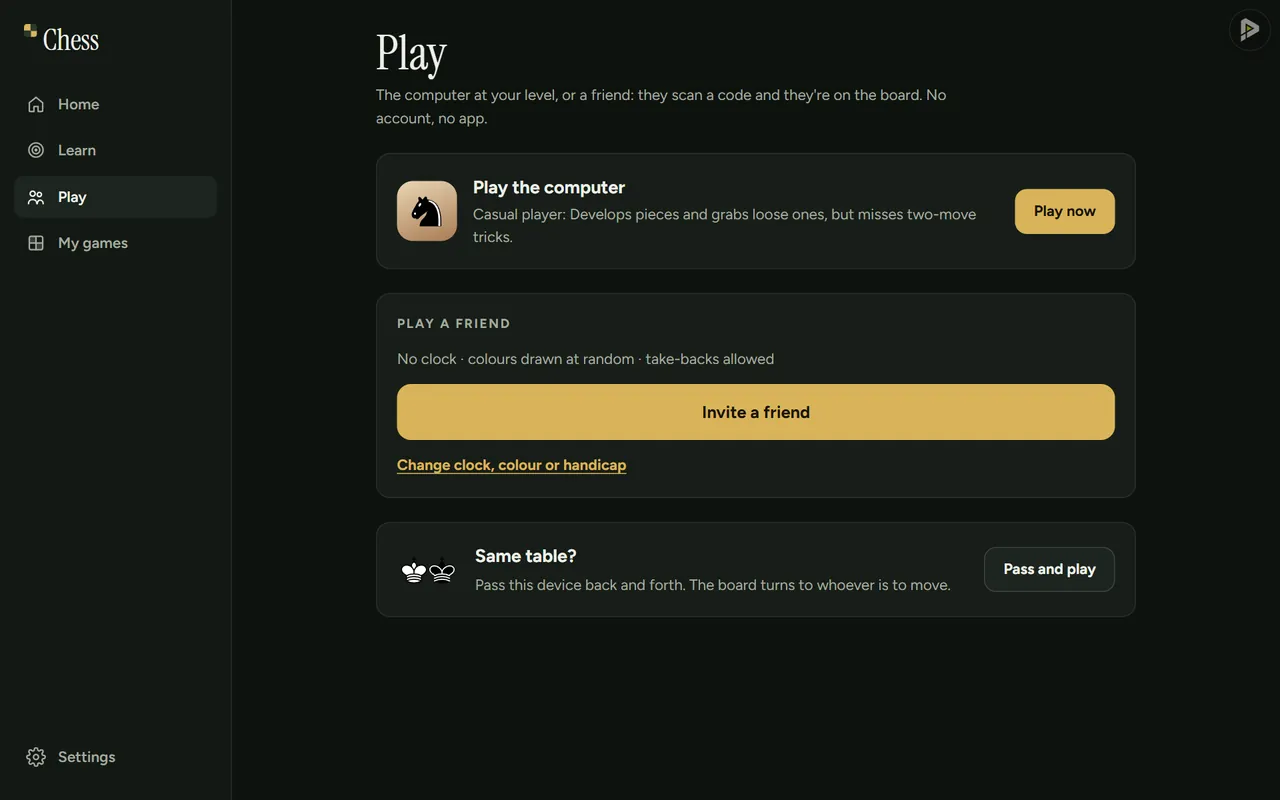
Show the QR code and your friend is on the board in seconds. No account, no app.
Screenshots
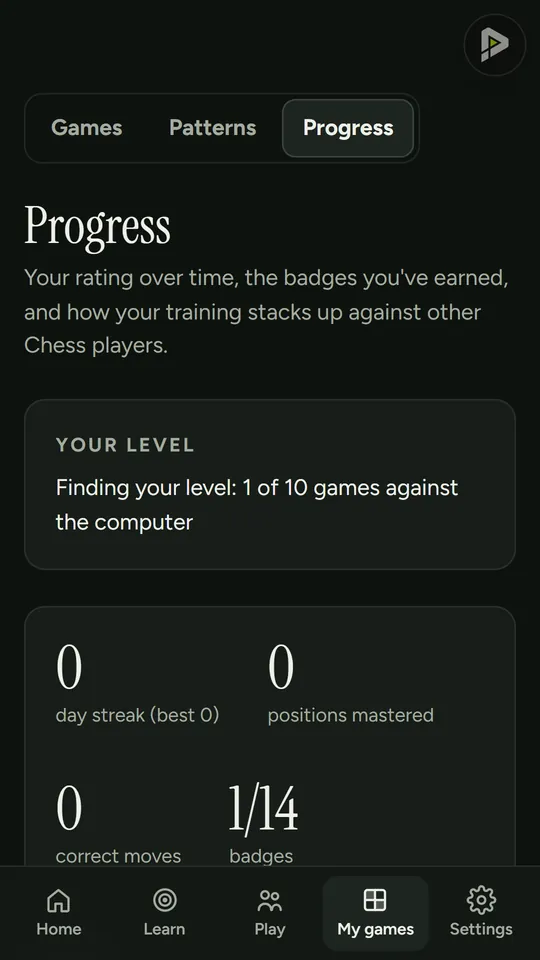
On the big screen
Next game
Crowns